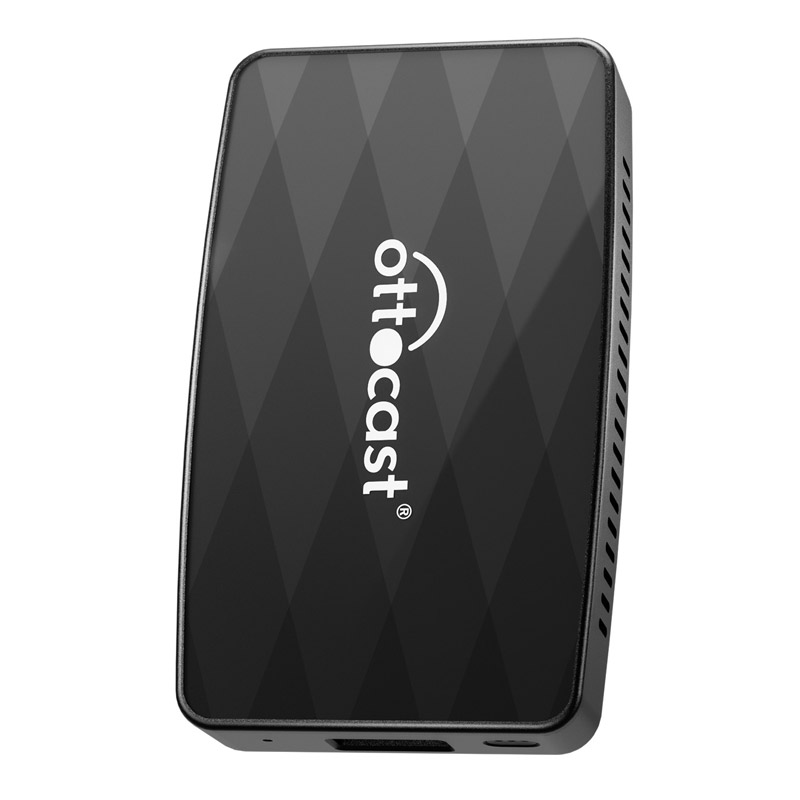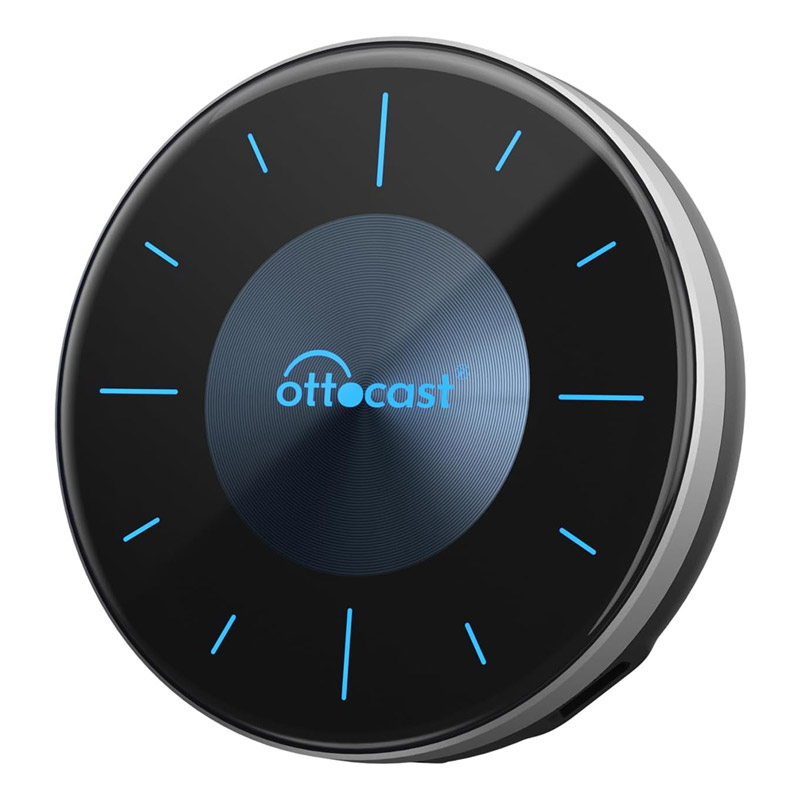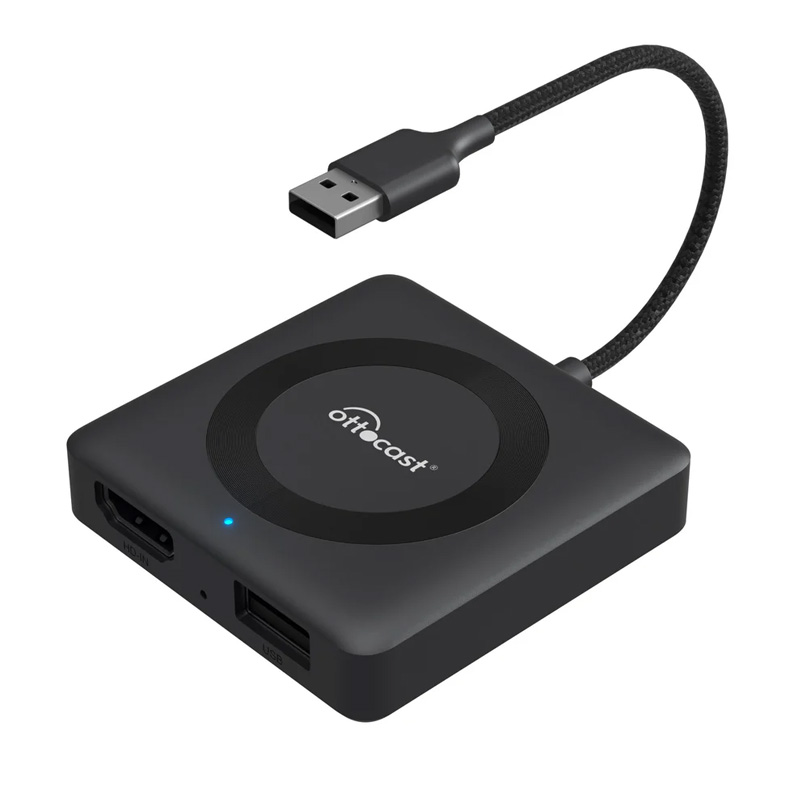
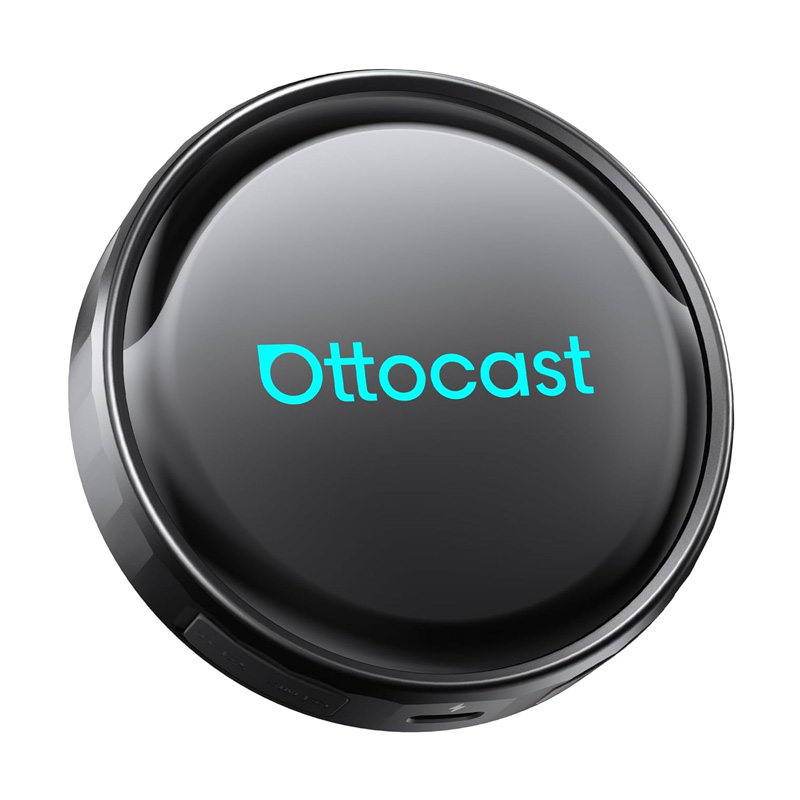
Ottocast(オットキャスト) P3 Pro PCS61
48,631円
税込
商品コード: SHOTPCS61
関連カテゴリ

Ottocast P3 Pro
3システム一体化|OttoAiboxで車内をアップグレード
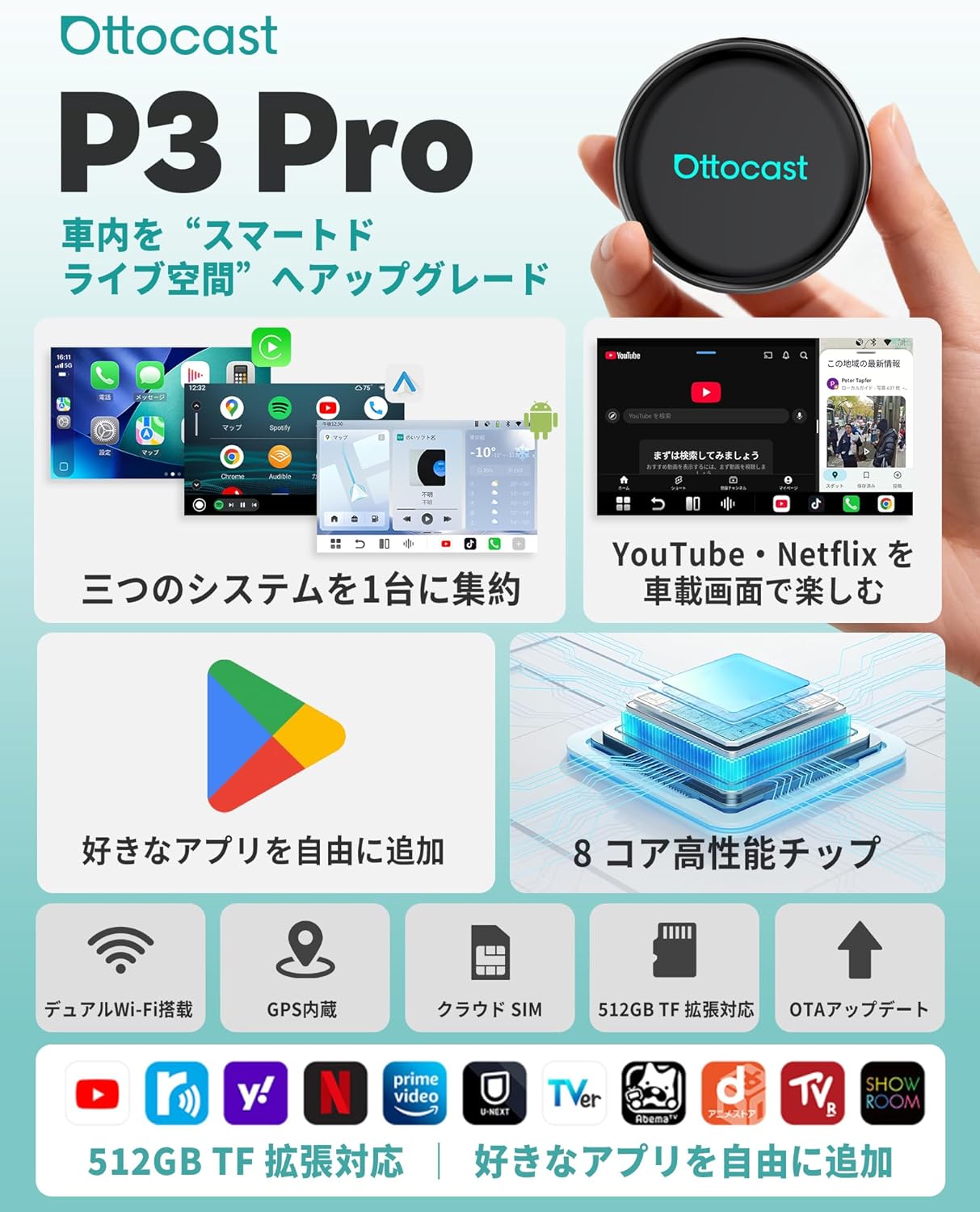
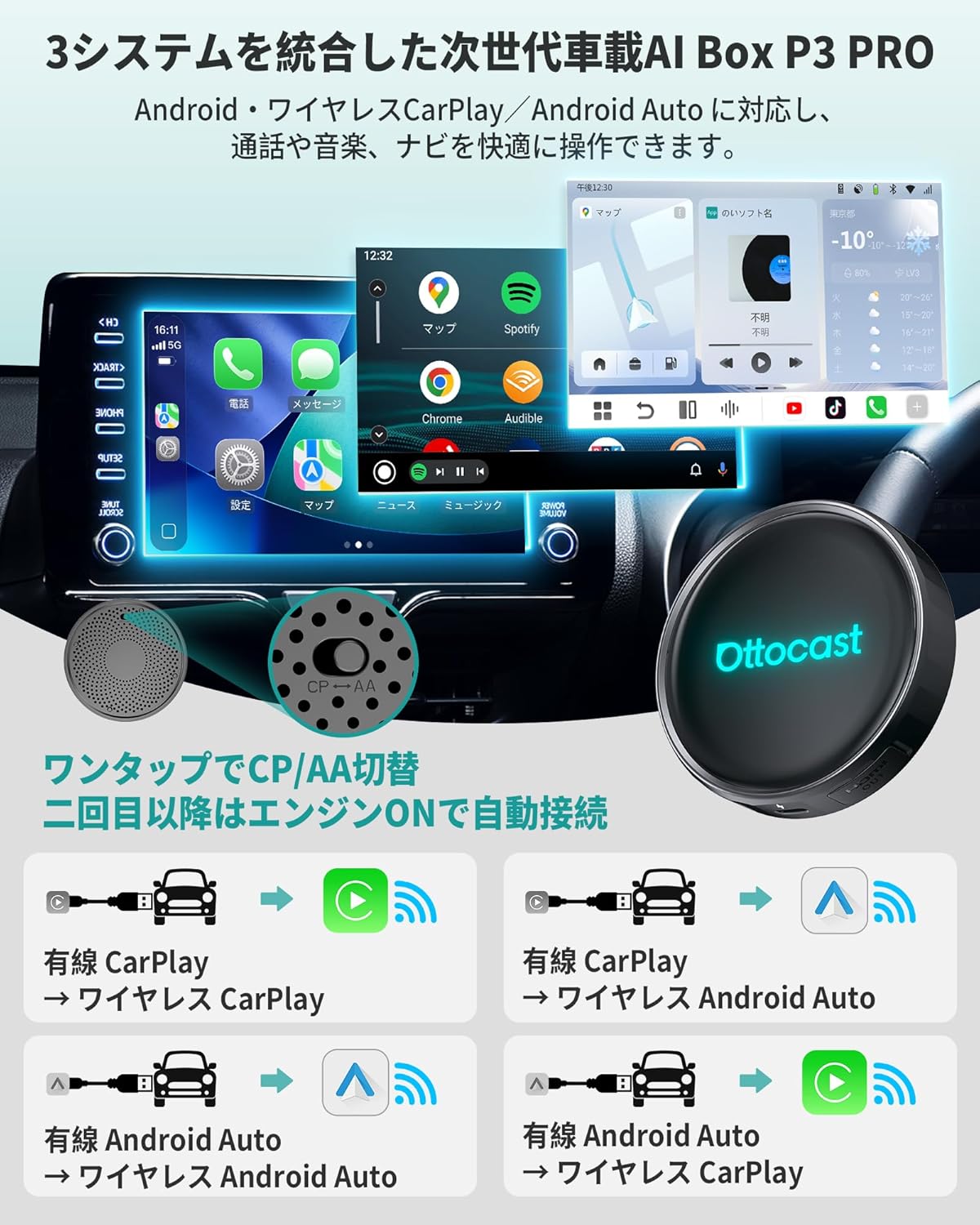
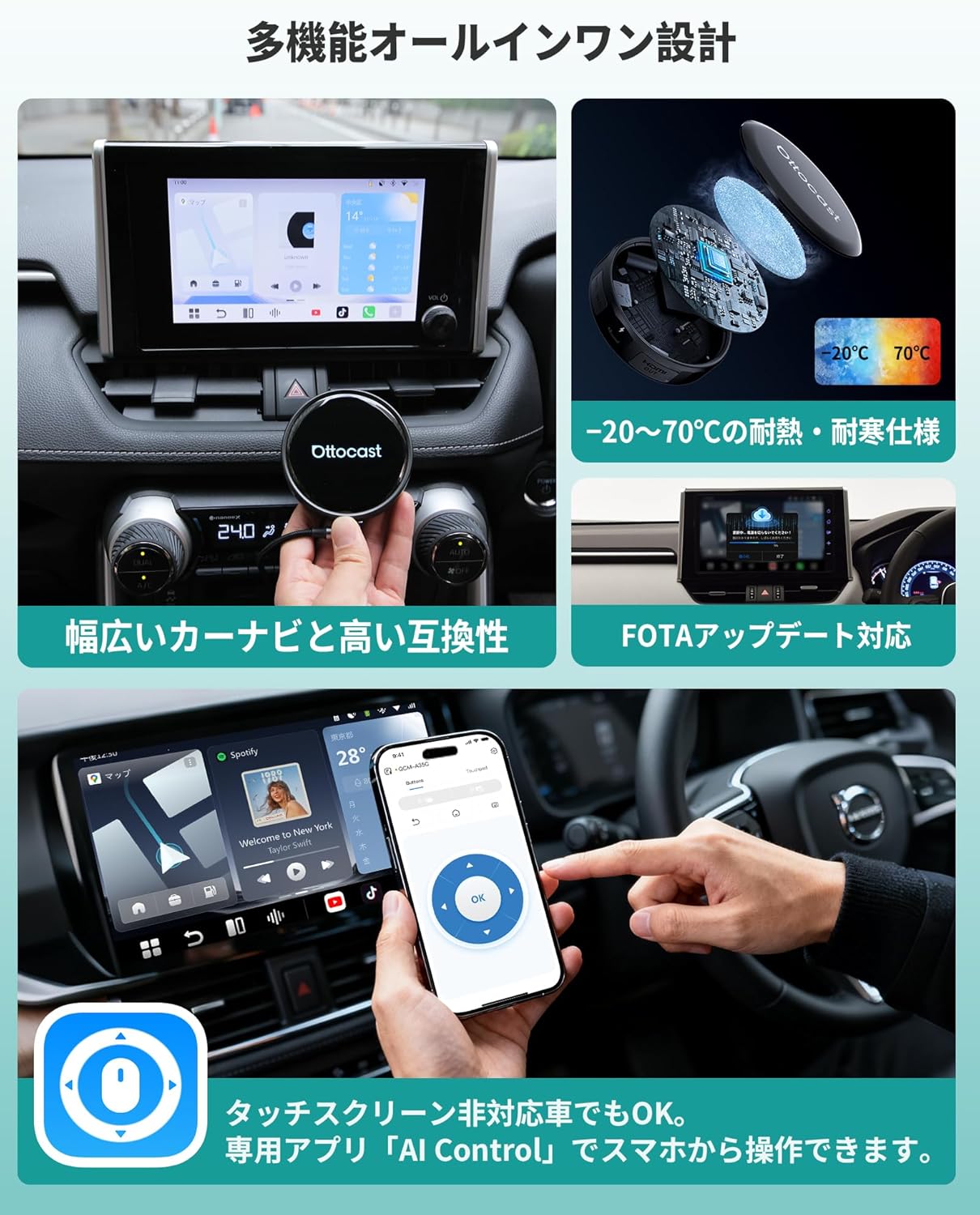
Ottocast(オットキャスト)のAI Box「OttoAibox P3 Pro」は、Android 13+ワイヤレスCarPlay/Android Autoの3システムを1台に統合。純正USBに挿すだけでCarplay(Apple CarPlay)/Android Autoをワイヤレス化し、配線やスマホ固定の手間を軽減します。さらに「スマホ画面をカーナビに映す」感覚でアプリ操作もスムーズ。通勤はナビ&通話、週末はAndroid 13でアプリ活用、停車中は「車でネットフリックス見る」などエンタメも楽しめる1台です。Android 13×大容量|アプリを思いきりダウンロード
Android 13 と8コアCPU、8GB RAM+128GB ROM を搭載した「オットキャスト P3 Pro AI Box」は、アプリ起動や画面切替が軽快で、動作のもたつきを感じにくい設計です。TFカードで最大512GBまで拡張でき、Google Playから好みのアプリを自由に追加可能。目安として150~300個のアプリを入れても余裕があり、「容量不足で消す」「重くて開かない」といったストレスを大きく減らします。2画面分割×GPS内蔵|ナビとエンタメを同時に楽しむ
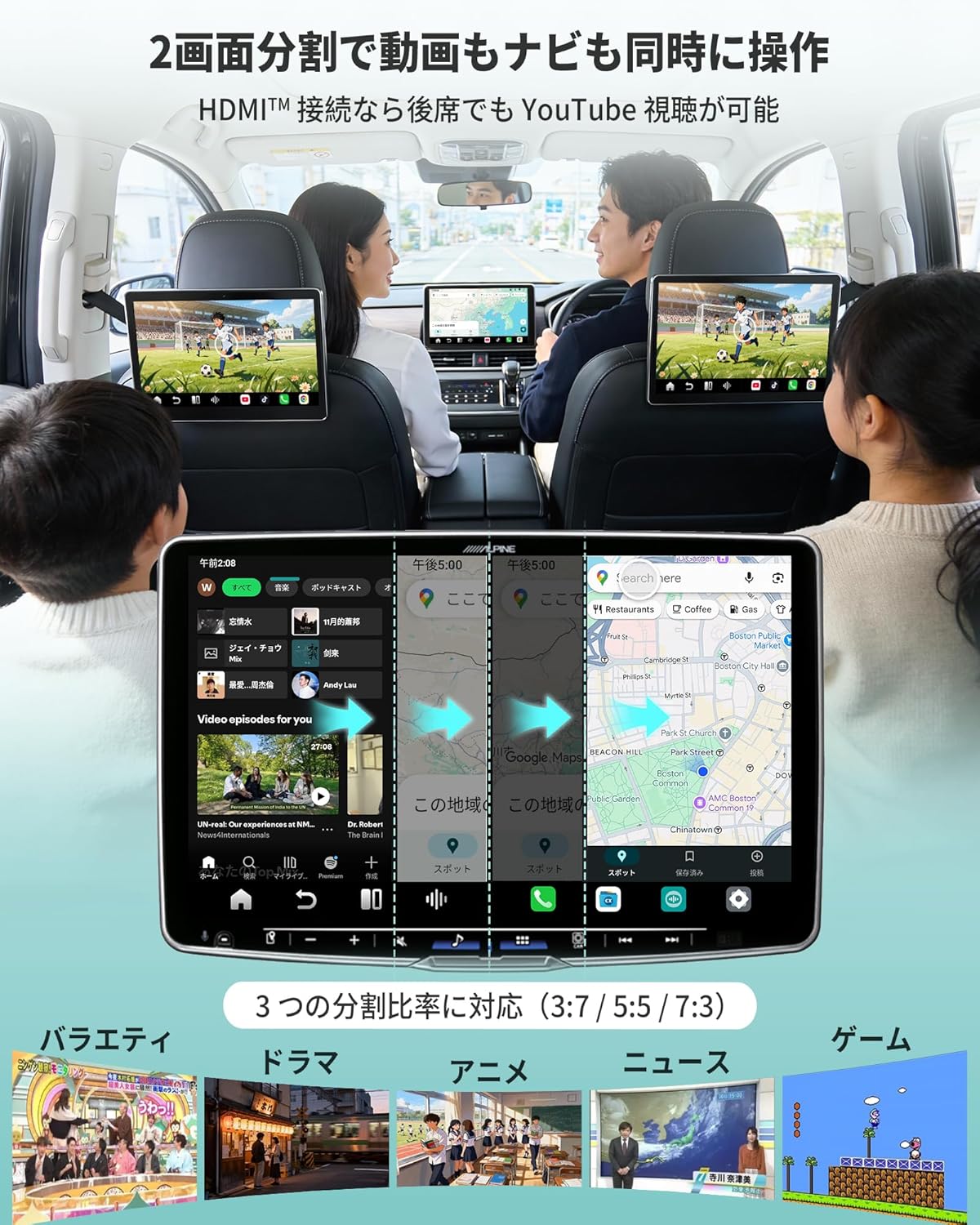
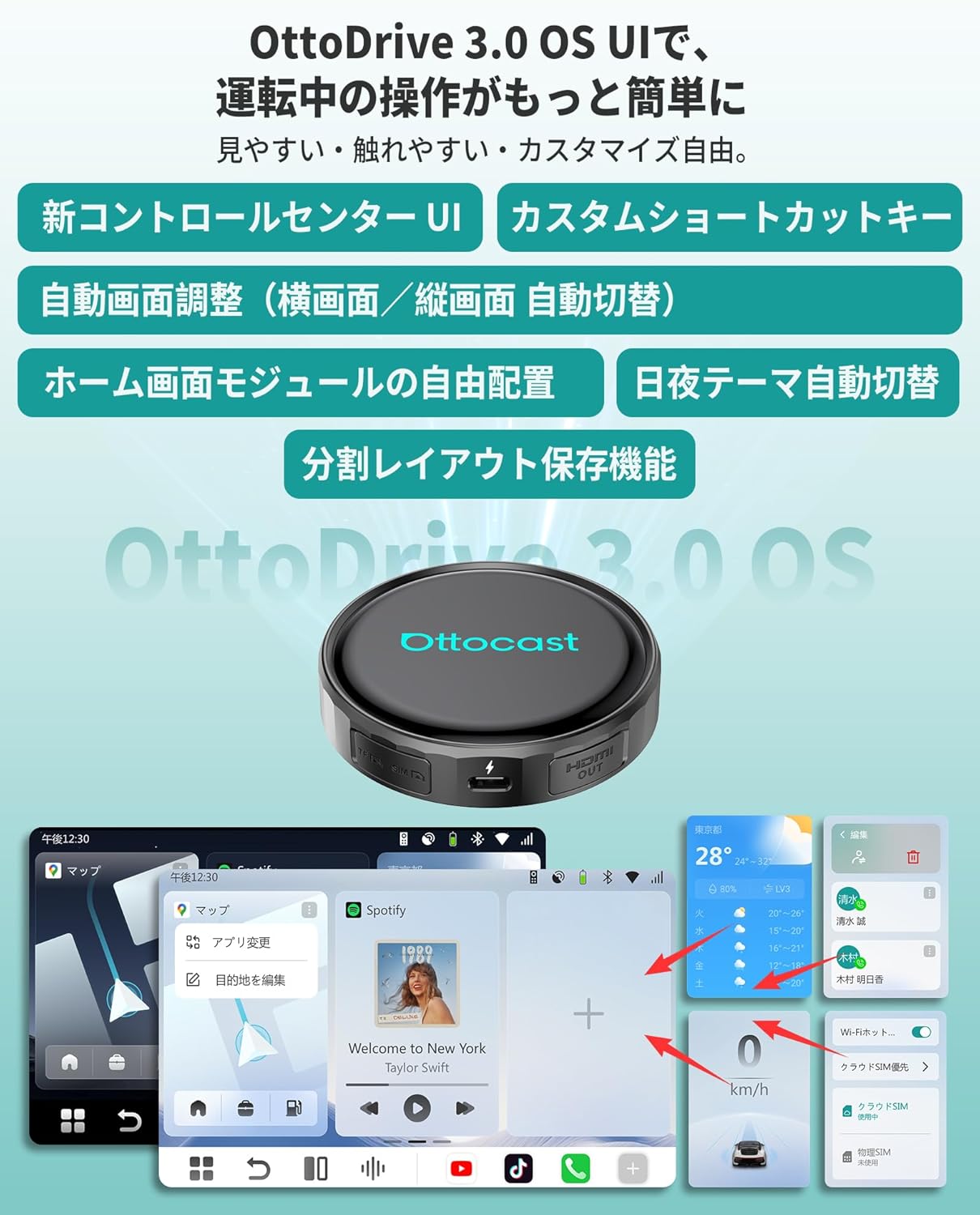
OttoAibox P3 Proは、3:7/5:5/7:3の2画面分割に対応。Google Playから追加したアプリも含め、使いたい2つを並べて表示できます。たとえば大きい画面にGoogleマップ、小さい画面にネットフリックス/ユーチューブ/Amazonプライムなどの動画アプリ、または音楽・メッセージアプリを表示すれば、進行方向の確認と車内エンタメを同時に楽しめます。内蔵GPS対応のナビアプリと組み合わせることで、分岐や立体交差が多い道でも進むべき車線が分かりやすく、スマホ画面を何度も切り替える手間と不安を減らします。AI音声アシスタント×OttoDrive 3.0|話しかけるだけのスマート操作
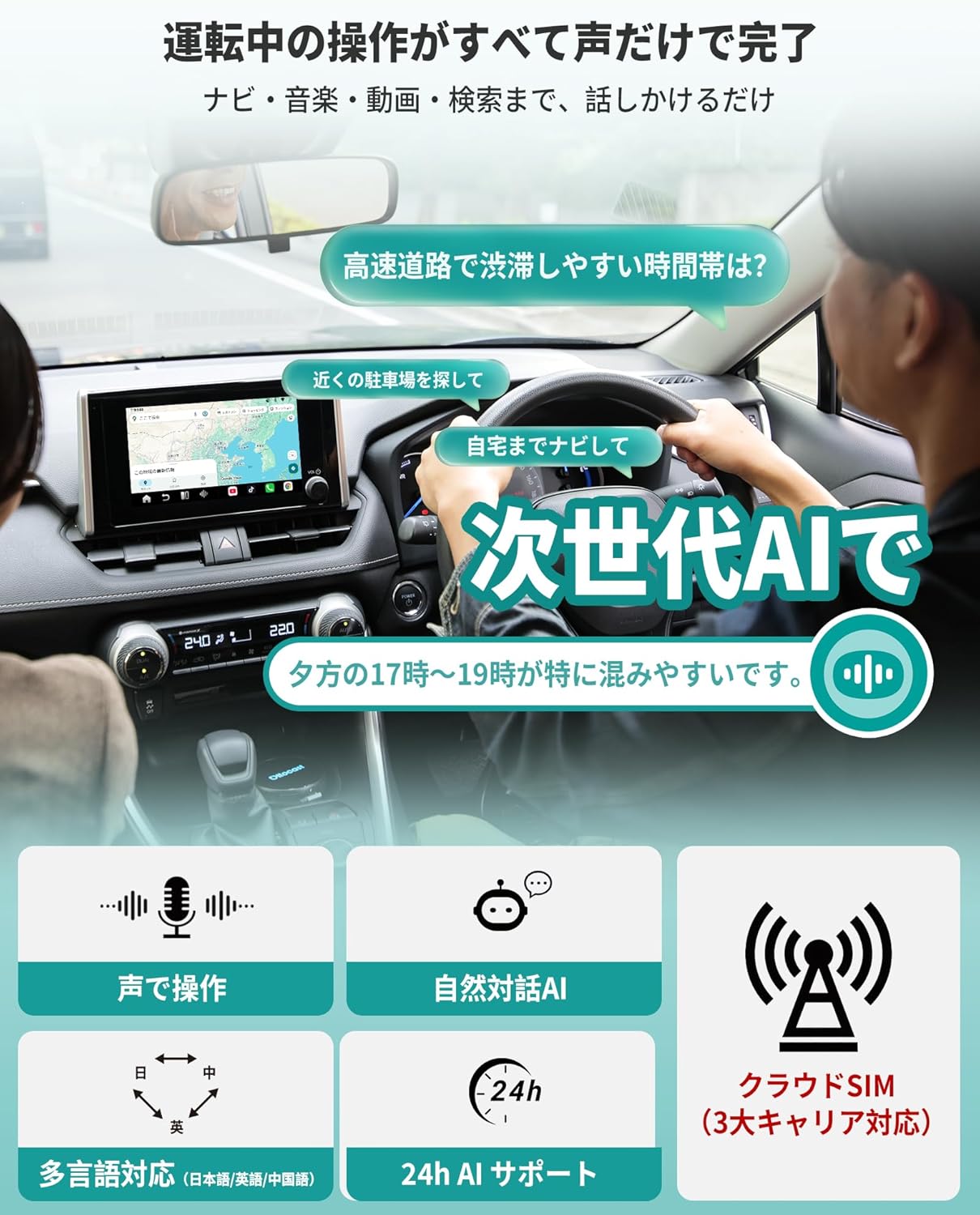
オットキャスト p3 プロ にはAI音声アシスタントとOttoDrive 3.0 OSを搭載。画面の小さなボタンを探さなくても、「〇〇へ行きたい」「この先の渋滞は?」「音楽をかけて」「このアプリを開いて」など、自然な言葉で話しかけるだけで主要な操作が完了します。設定のオン/オフやアプリ起動も声で行え、よく使う機能はシンプルなUIからすぐ呼び出し可能。前方から視線をそらす時間を減らし、長時間ドライブの負担も軽くします。HDMI端子×クラウドSIM機能|前席ナビと後席シアターを両立
OttoAibox P3 Pro AI Box の側面HDMI端子から後席モニターやポータブルディスプレイへ映像出力でき、前席はナビ、後席はアニメや映画という使い分けが可能です。長距離ドライブで退屈しがちなお子様も、後席で動画を楽しめば移動時間が短く感じられます。さらにクラウドSIM機能により、対応サービスを契約すれば車載Wi-Fiやテザリングなしでもデータ通信が利用可能※。ホットスポット設定やバッテリー残量を気にせず、車内エンタメを楽しめます。Ottocast P3 Lite
Ottocast OttoAibox P3 Lite
There are three main differences between the P3 Lite and the popular P3 model.
First, the memory and storage capacity are different. The P3 comes with 8GB RAM and 128GB storage, while the P3 Lite is equipped with 4GB RAM and 64GB storage.
Second, the P3 features an HDMI output port, whereas the P3 Lite does not include an HDMI output port.
Third, there is a difference in price. Please make sure to check these differences before purchasing to avoid buying the wrong model.
Watch YouTube and Other Videos in Your Car
Popular apps in Japan such as TVer, ABEMA, Disney+, and Yahoo Car Navigation come pre-installed, so there is no need to download them separately. You can also download and watch your favorite video apps from the Google Play Store. In addition, the OttoAibox P3 Lite is equipped with a microSD card slot, allowing you to play videos or music stored on a microSD card. By downloading videos or music onto a microSD card at home in advance, you can enjoy them in your car without worrying about mobile data usage.
Easy Installation with Zero Installation Cost
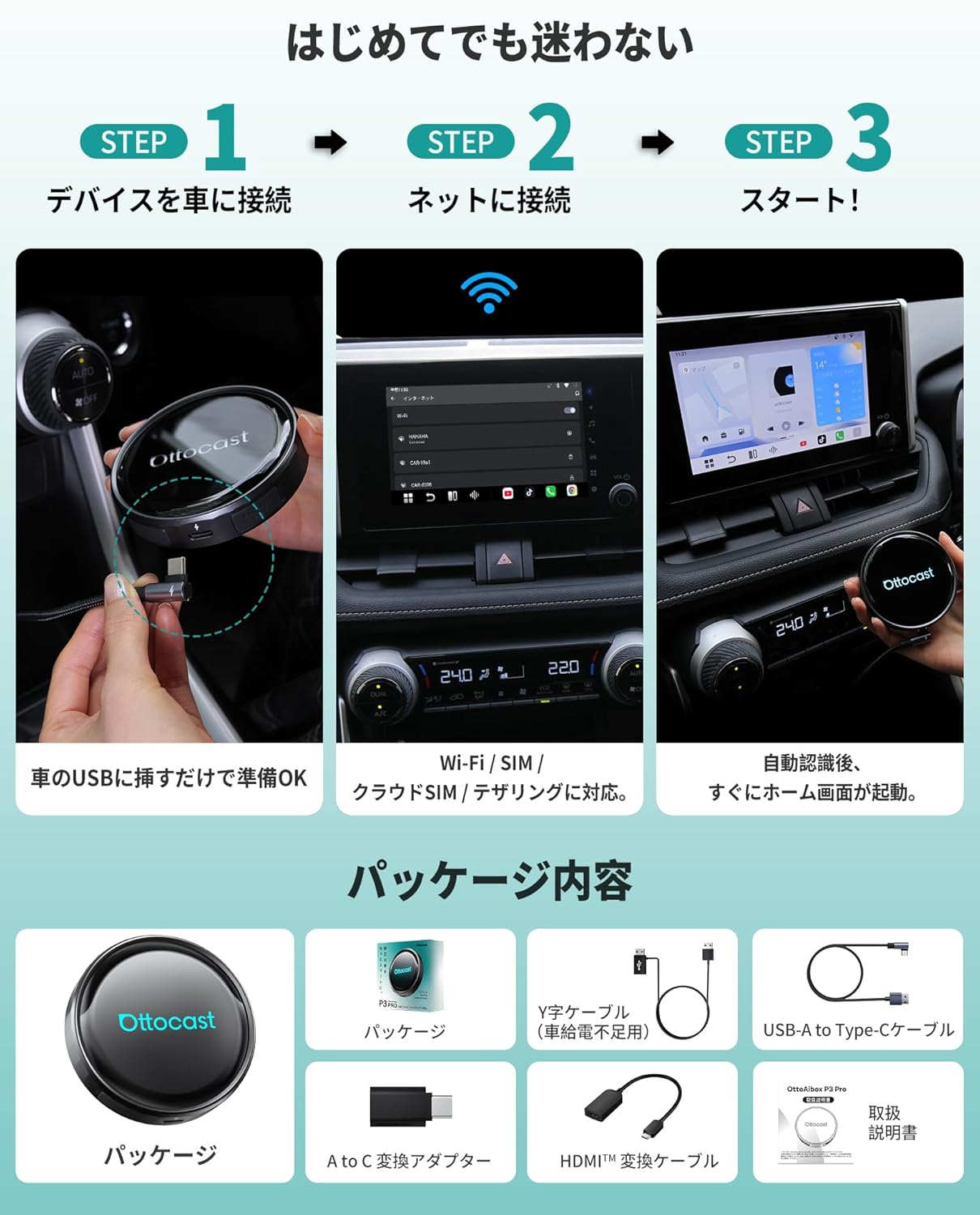
The device can be easily installed by yourself without professional assistance, meaning no installation fees are required. To set it up, simply connect this CarPlay AI Box to the vehicle’s CarPlay-compatible USB port, then enable smartphone tethering or insert a nano SIM card.
Internet Connection Methods
To watch videos such as YouTube or Netflix using the OttoAibox P3 Lite on your vehicle display, you need to connect to the internet using either your smartphone’s tethering function or a nano SIM card. Please choose the connection method that best suits your needs.
Additionally, SIM cards from the three major Japanese carriers (docomo, au, and SoftBank) have been confirmed to work without requiring APN settings. After inserting the SIM card, the connection will start automatically in about 15 seconds.
Stylish and Multifunctional
The control center allows you to easily check the current system status. You can also switch the fixed menu bar to the left or right side of the screen. Frequently used apps can be placed on the home screen and customized freely. The split-screen feature supports display ratios of 5:5, 3:7, and 7:3, allowing two applications to be displayed simultaneously.