
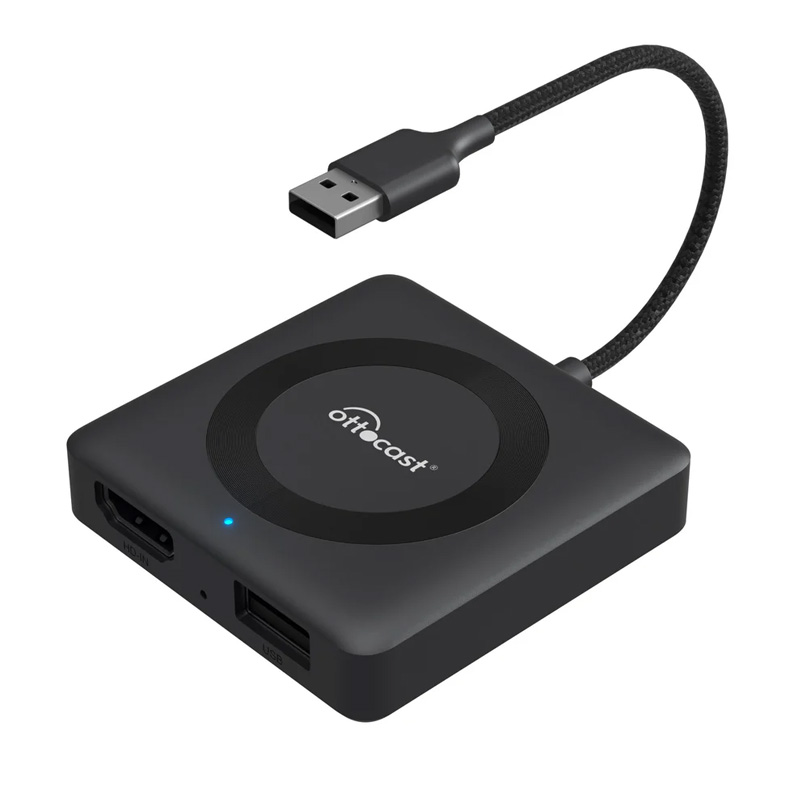
Ottocast(オットキャスト) Car TV Mate Max CA361-C4

Ottocast Car TV Mate Max
Ottocast Car TV Mate Max
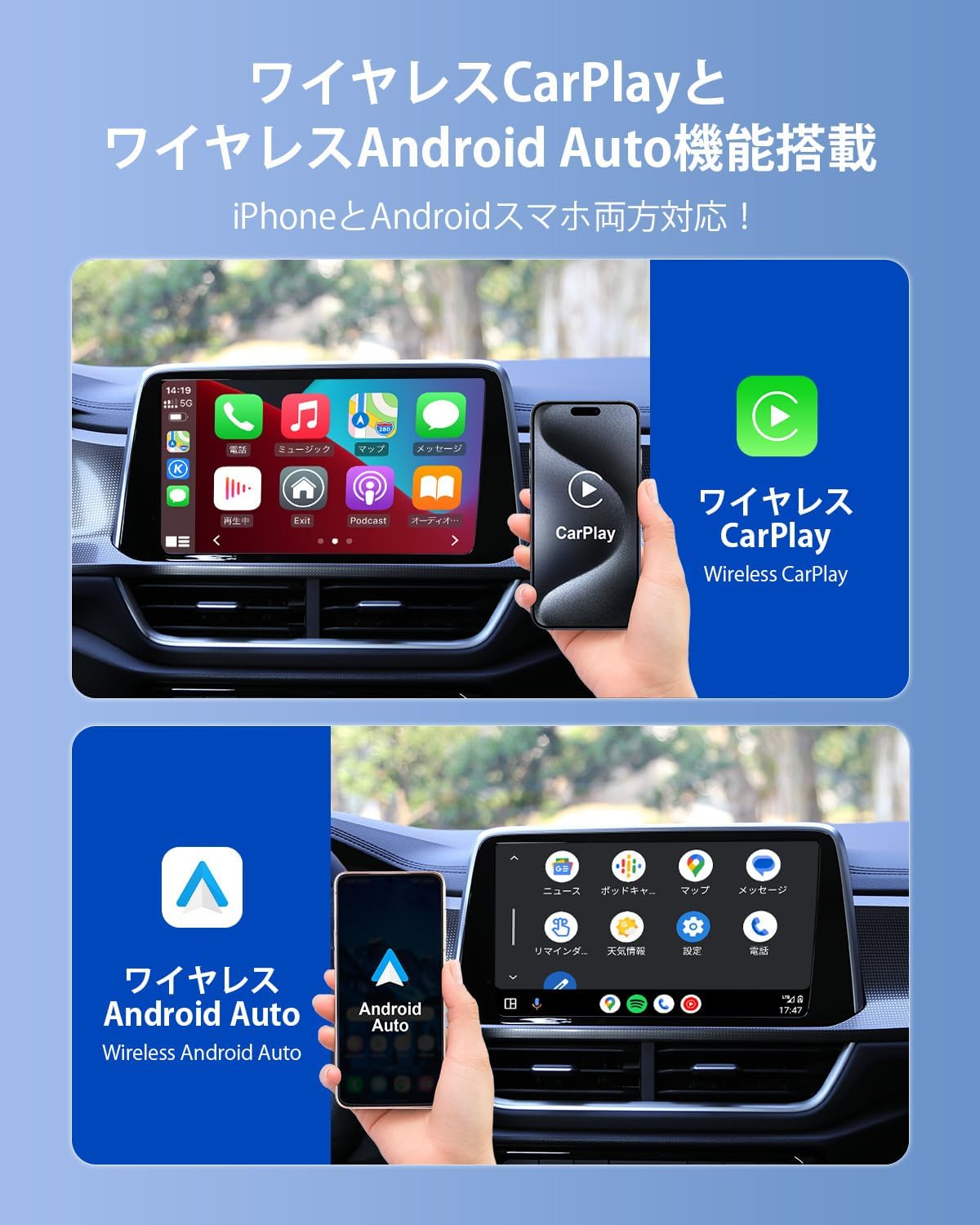
今回のMaxバージョンは有線式のCarPlayを無線接続にできるだけでなく、有線式のCarPlayをワイヤレスAndroid Autoに変換する機能も備えています。そのため、iOSユーザーにもAndroidユーザーにもご利用いただけます。※パッケージは現在更新中です。主に『Car TV Mate Max』のパッケージを使用していますが、一部のパッケージには『Max』の文字が印字されてません。予めご了承ください。HDMIケーブルのみの接続で地上波が映る
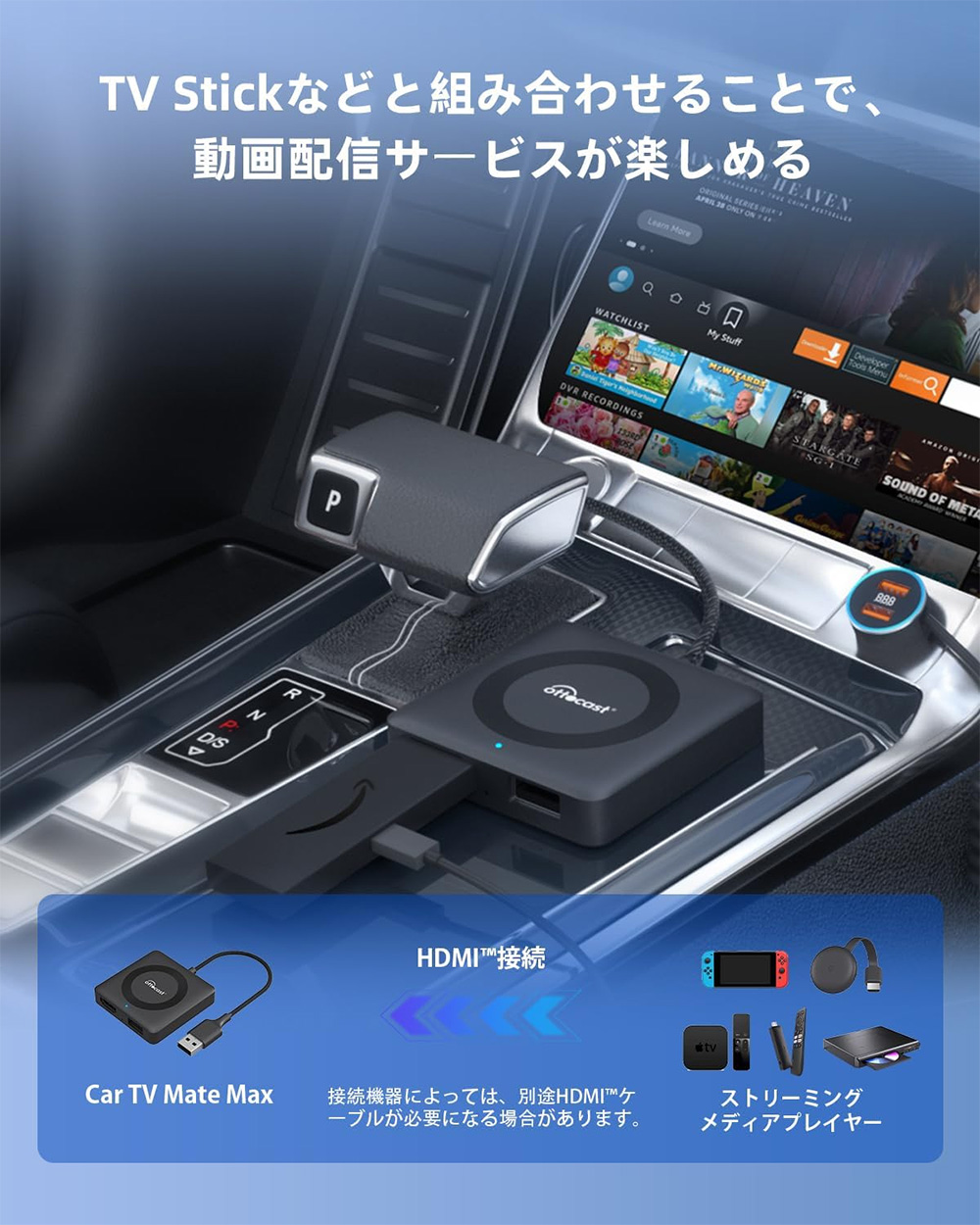
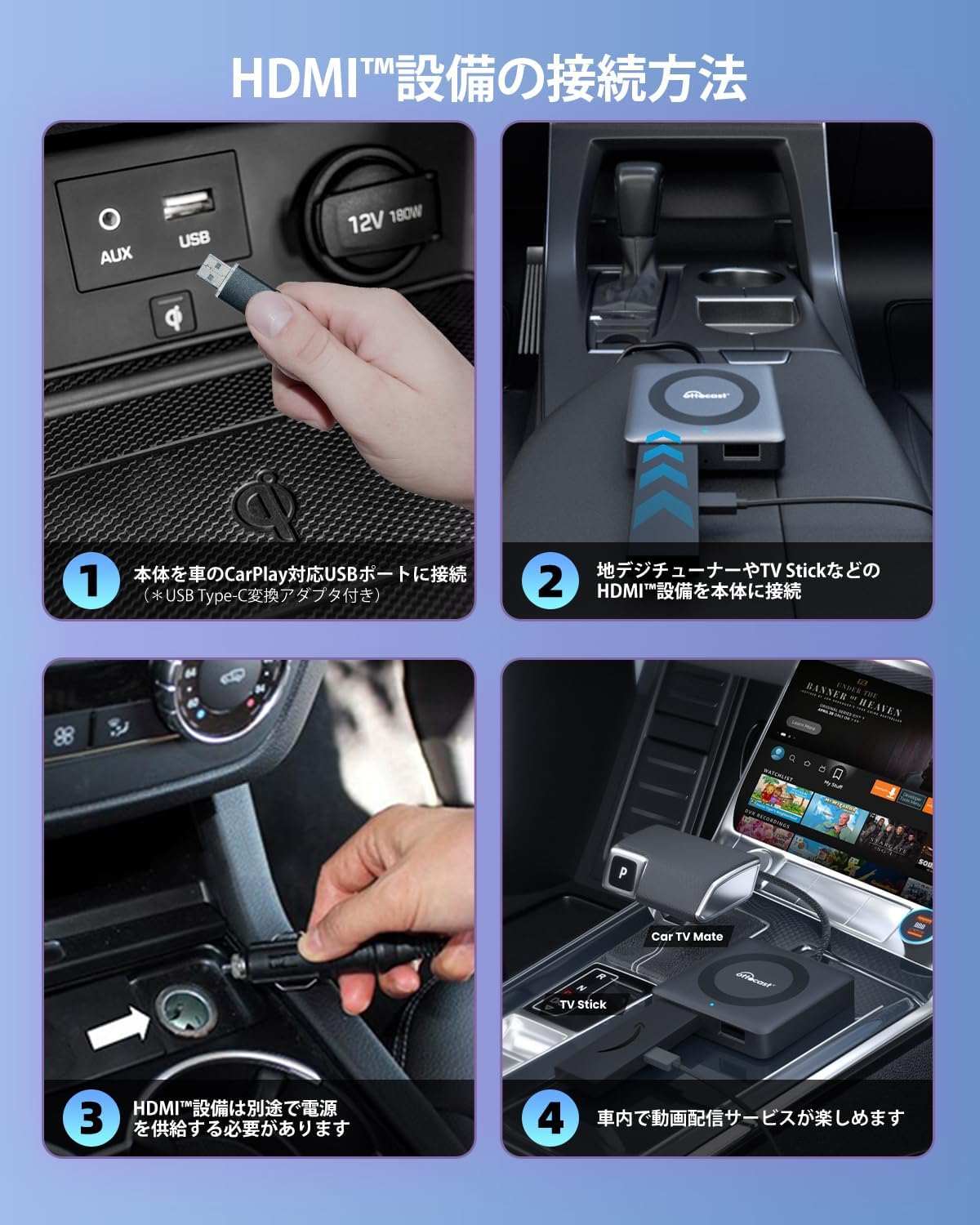
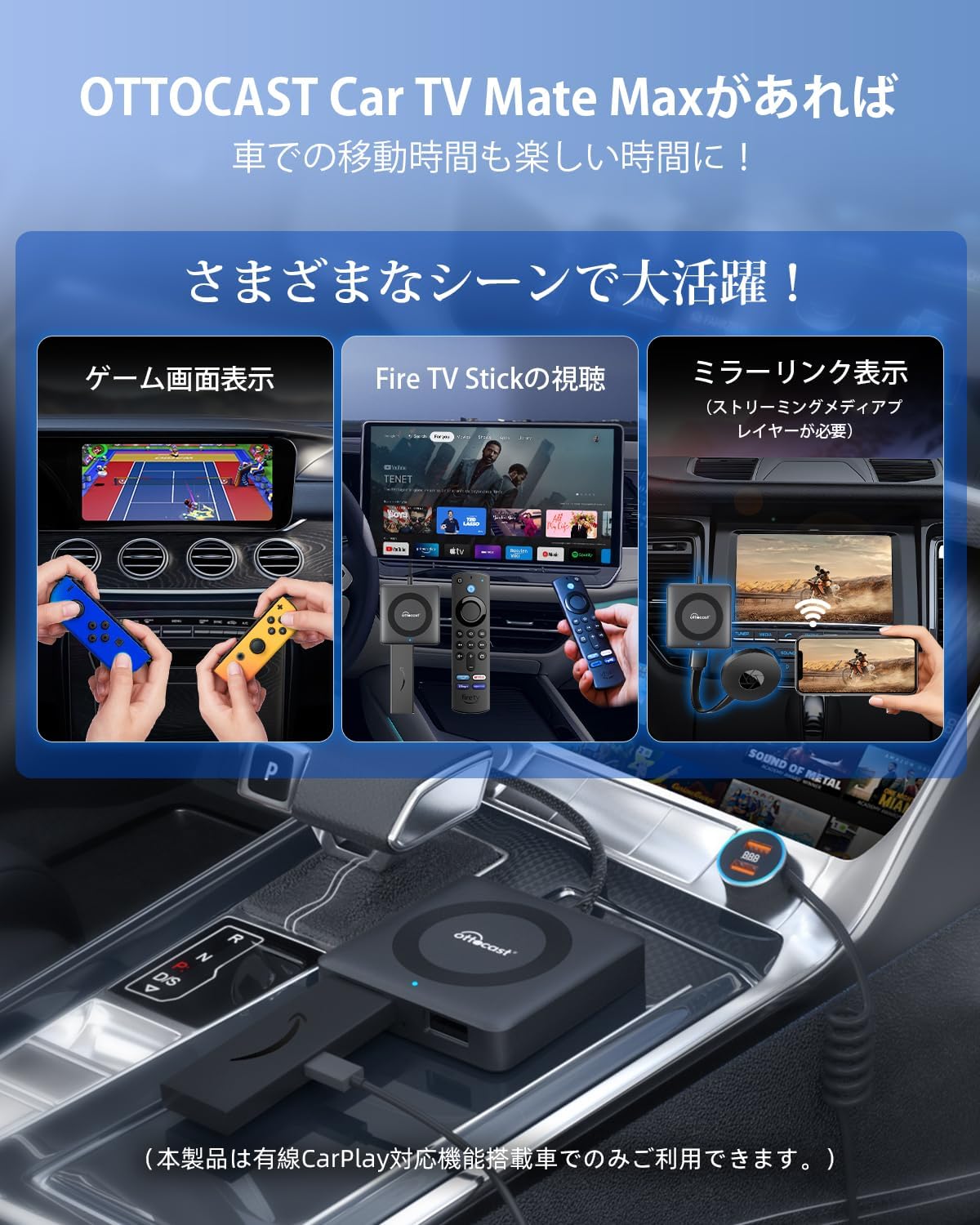
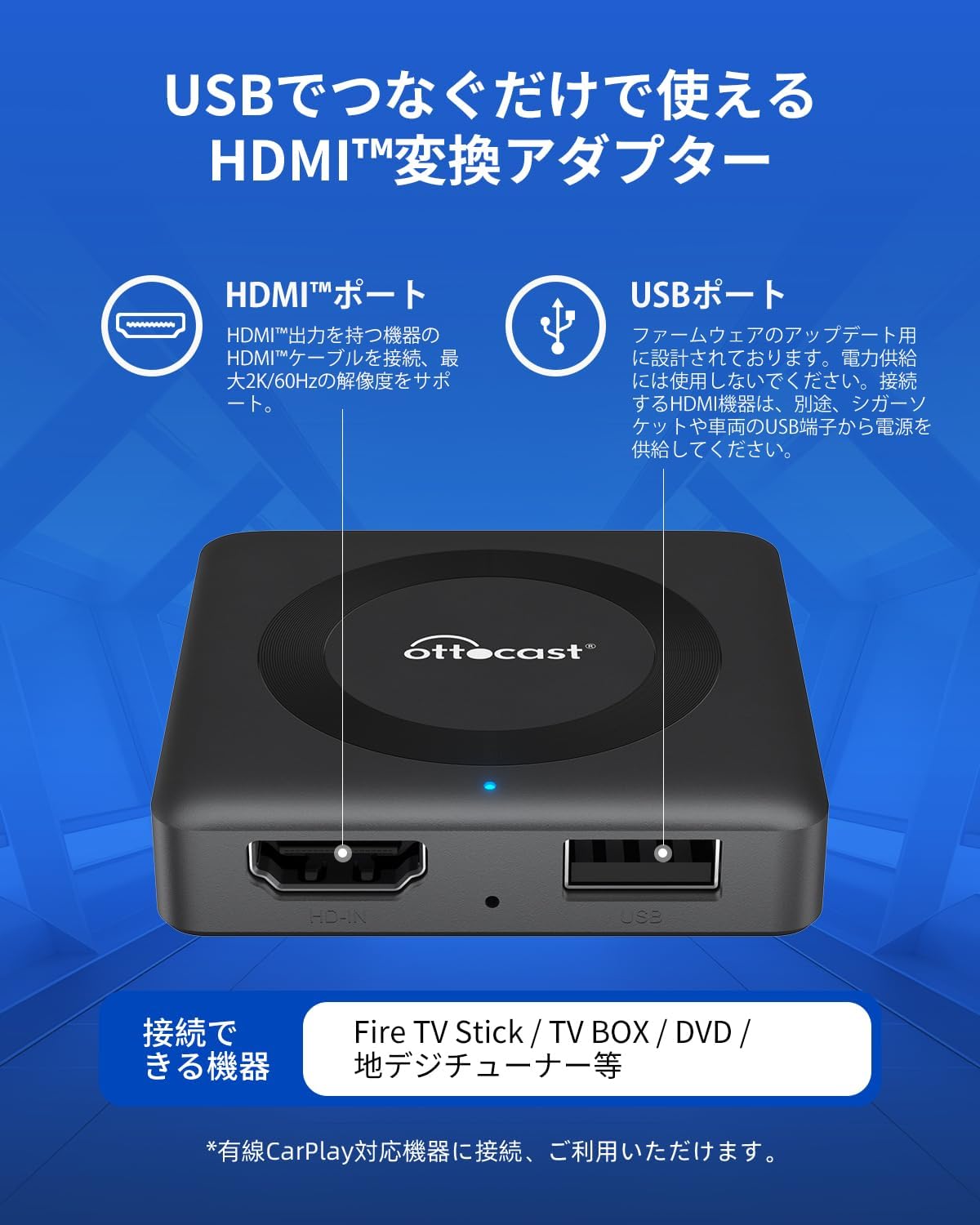
本アダプターをお車のCarPlay対応USBポートに挿して、地デジチューナーやTV StickなどのHDMI設備を製品本体に接続して、CarPlay対応のナビで走行中にHDMI入力映像が観れます(HDMI設備は別途で電源を供給する必要があります)。長期ドライブや後席にいるお子様が退屈なしで過ごせます。*一部の車両には、電源充電用のポートとデータ転送用のポートが二つあります。データポートを接続してください。MAXの追加機能 デフォルトスタートアップ機能
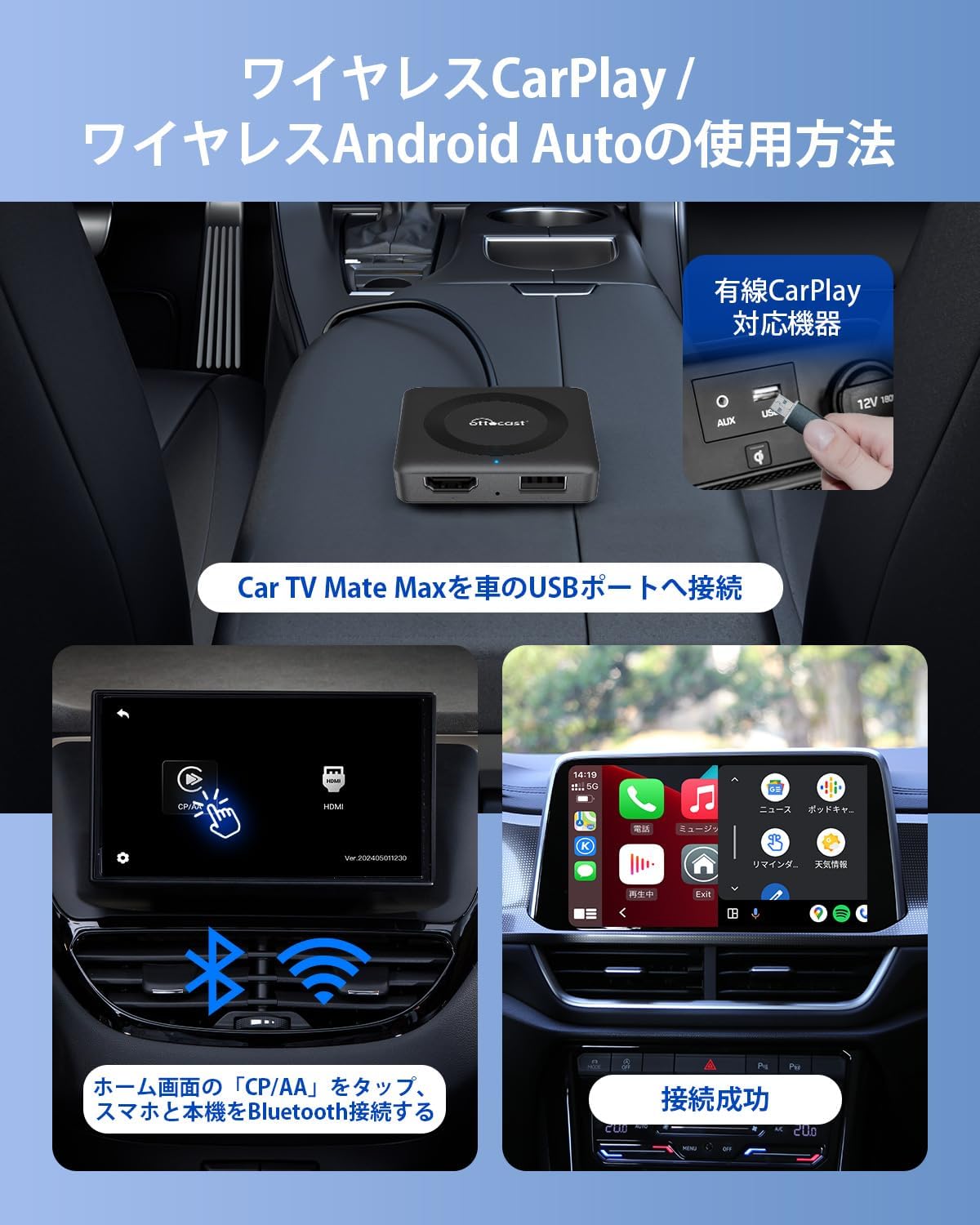
カーテレビメイトマックスには、前回起動時の選択状態(HDMIやCarPlay/Android Auto)を記憶する機能があります。車にCar TV Mate Maxを接続後、初期画面の左下にある歯車アイコン「設定」をクリックして、CP/AAに設定しておけば、次回起動時にCP/AAが表示されます。HDMIに設定しておけば、次回起動時にHDMIの画面が表示されます。ワイヤレスCarPlay・Android Autoに対応
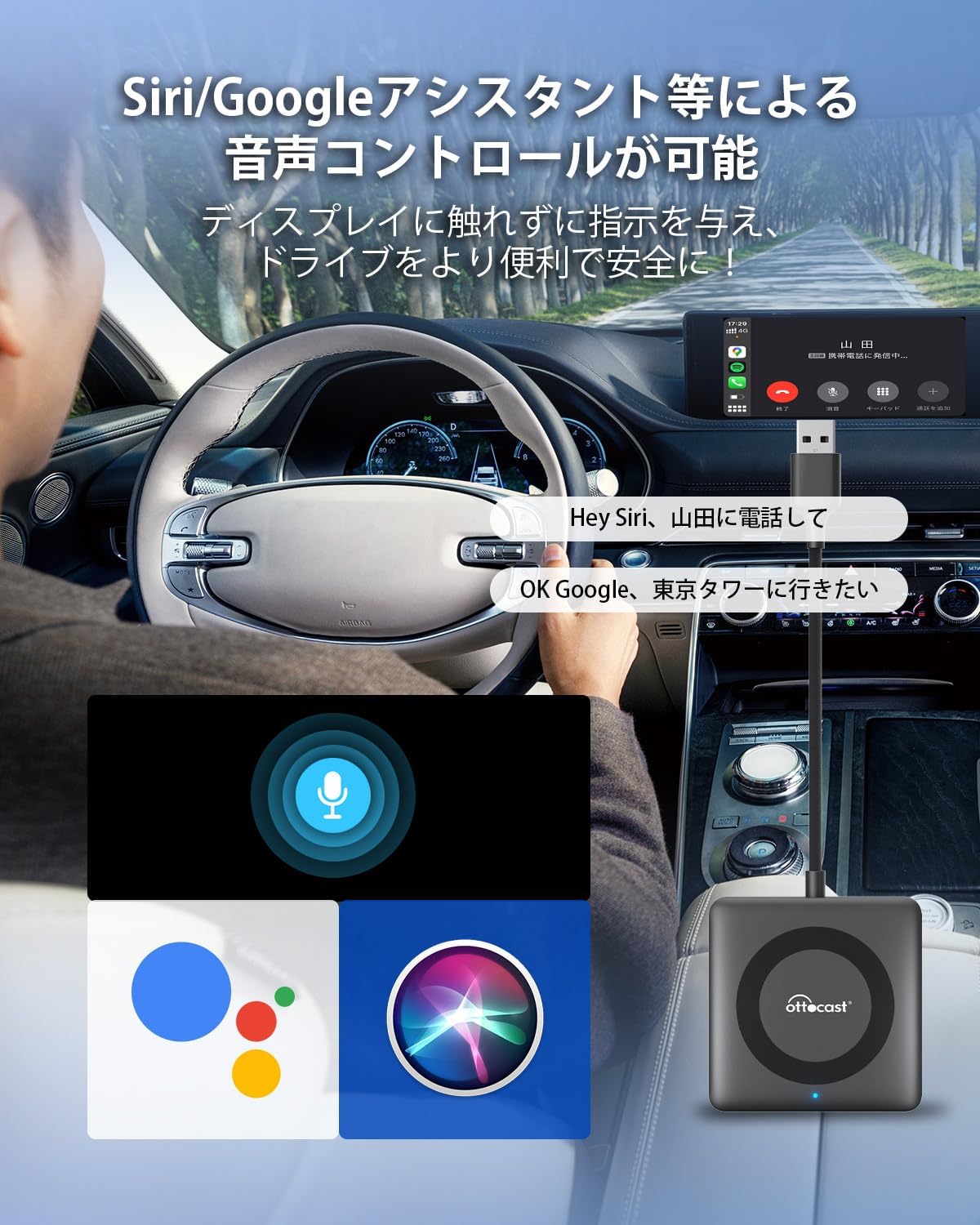
ケーブルの接続後、ホーム画面の「CP/AA」をタップ、スマホと本アダプターをBluetooth接続したら、簡単にワイヤレスでCarPlay/Android Autoを楽しめます。例えば、Siri/Googleアシスタント等による音声コントロールが可能で、ディスプレイに触れずに指示を与え、便利なハンズフリー体験を車内で実現します。注意事項
①本carplay hdmi入力アダプターは有線CarPlay搭載車両に適合です。※無線接続のみ可能な CarPlay搭載車両は非対応 ※BMW/MINIは非対応 ※有線接続のみ可能なAndroid Auto搭載車両は非対応 ②本製品単体で動画やテレビを見ることはできません。TV stickなどのストリーミングメディアプレーヤーもしくは地デジチューナーをご用意ください。③このカーテレビメイトを使用する際には、外部のHDMIデバイスのリモコンまたは他の制御方法を使用する必要があります。④本アダプターとHDMI接続で動画配信サービスを視聴する際には、CarPlay機能が使えません。⑤HDMI設備は別途で電源を供給する必要があります。⑥製品本体のUSB-A端子が充電口ではなくて、ファームウェア更新用です。⑥本アダプターは後部座席のリアモニターに映せないです。あらかじめご了承お願い致します。ミラーリング機能について
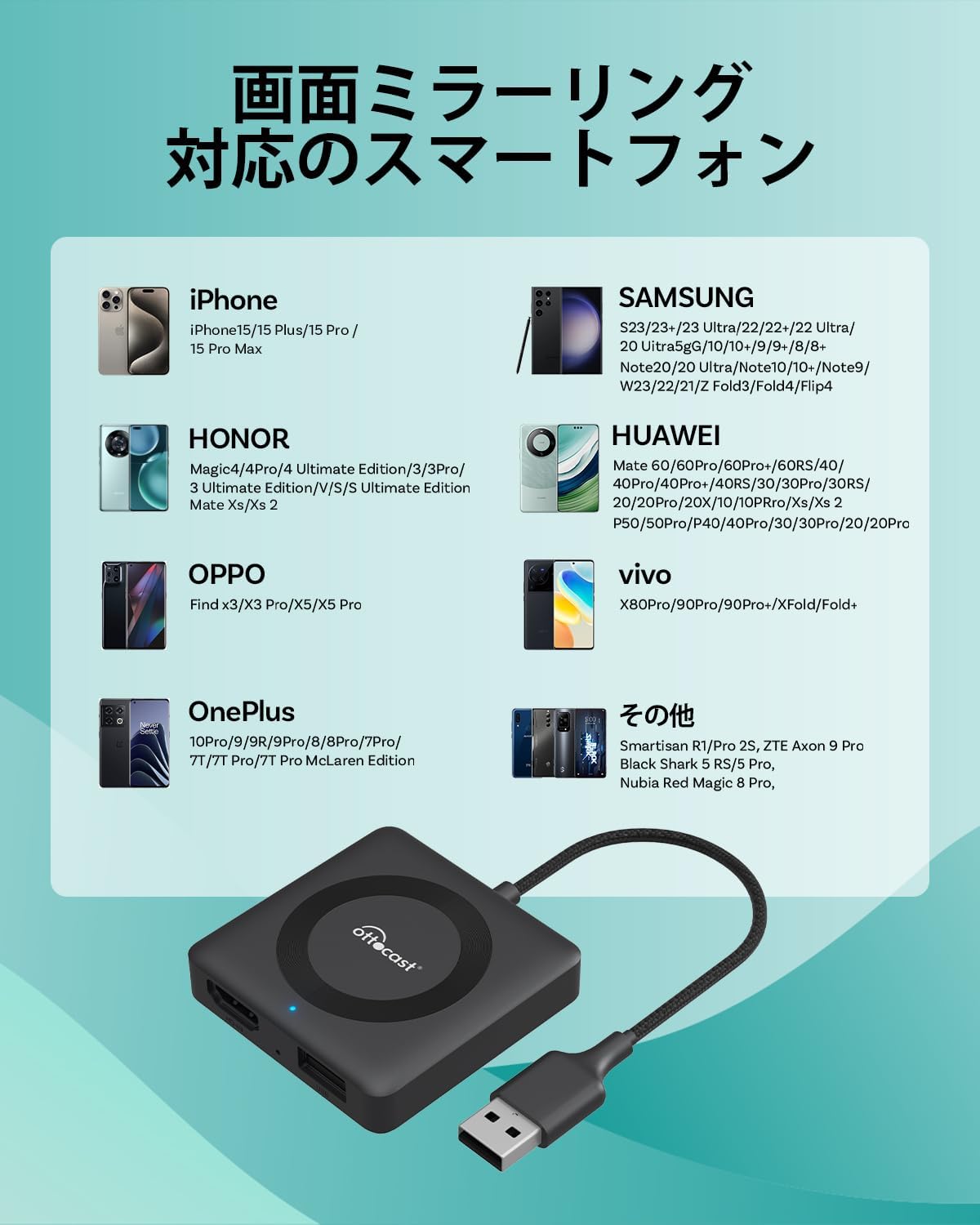
本製品のミラーリング機能を使用するには、スマートフォンがDP(DisplayPort)規格に対応している必要があります。iPhoneの場合はApple公式のHDMIケーブル、Androidスマートフォンの場合は弊社のHDMIケーブルをご使用ください。Ottocast Car TV Mate Max
Ottocast Car TV Mate Max
The Max version not only enables wireless connection for wired CarPlay, but also converts wired CarPlay into wireless Android Auto. Therefore, it can be used by both iOS and Android users. *The package design is currently being updated. Most units are shipped with the "Car TV Mate Max" package, but some packages may not have the "Max" marking printed on them. Thank you for your understanding.
Watch Digital TV with Just an HDMI Connection
Simply plug this adapter into the CarPlay-compatible USB port of your vehicle and connect an HDMI device such as a digital TV tuner or TV Stick to the adapter. You can then view HDMI input video on your CarPlay-compatible navigation system even while driving (HDMI devices require a separate power supply). This is perfect for long drives or keeping children entertained in the back seat.
*Some vehicles have two USB ports: one for charging and one for data transfer. Please connect to the data port.
New MAX Feature: Default Startup Function
Car TV Mate Max can remember the last selected mode (HDMI or CarPlay/Android Auto). After connecting the Car TV Mate Max to your vehicle, tap the gear icon “Settings” in the lower-left corner of the home screen. If you set it to CP/AA, CP/AA will automatically start the next time the device is powered on. If set to HDMI, the HDMI screen will appear at startup.
Supports Wireless CarPlay and Android Auto
After connecting the cable, tap “CP/AA” on the home screen and connect your smartphone to the adapter via Bluetooth. You can then easily enjoy wireless CarPlay or Android Auto. Voice control using Siri or Google Assistant is also supported, allowing you to give commands without touching the display and enjoy a convenient hands-free driving experience.
Notes
① This CarPlay HDMI input adapter is compatible only with vehicles equipped with wired CarPlay.
※ Vehicles that support wireless-only CarPlay are not supported.
※ BMW/MINI vehicles are not supported.
※ Vehicles that support Android Auto only via wired connection are not supported.
② This product alone cannot display video or TV. Please prepare a streaming media player such as a TV Stick or a digital TV tuner.
③ When using this Car TV Mate, you will need to control the external HDMI device using its remote control or another control method.
④ When watching video streaming services through an HDMI device connected to this adapter, the CarPlay function cannot be used simultaneously.
⑤ HDMI devices require a separate power supply.
⑥ The USB-A port on the product is not for charging; it is used for firmware updates.
⑦ This adapter cannot output video to rear-seat monitors. Thank you for your understanding.
About the Mirroring Function
To use the mirroring function of this product, your smartphone must support the DP (DisplayPort) standard. For iPhone, please use an official Apple HDMI adapter. For Android smartphones, please use our dedicated HDMI cable.