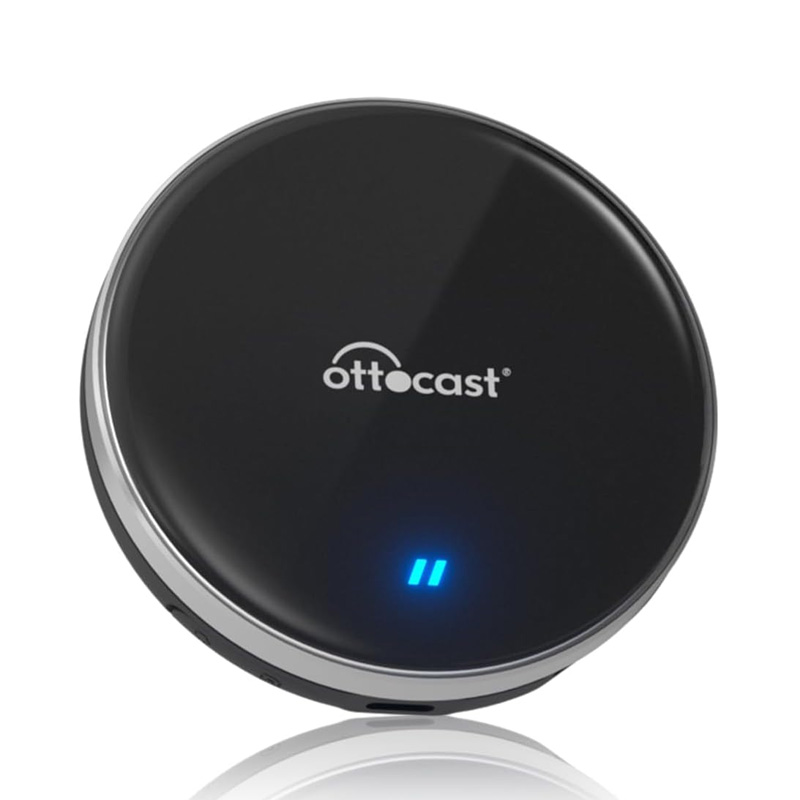
Ottocast(オットキャスト) P3 Lite PCS46L
37,600円
税込
商品コード: SHOTPCS46L
関連カテゴリ

Ottocast P3 Lite
Ottocast OttoAibox P3 Lite
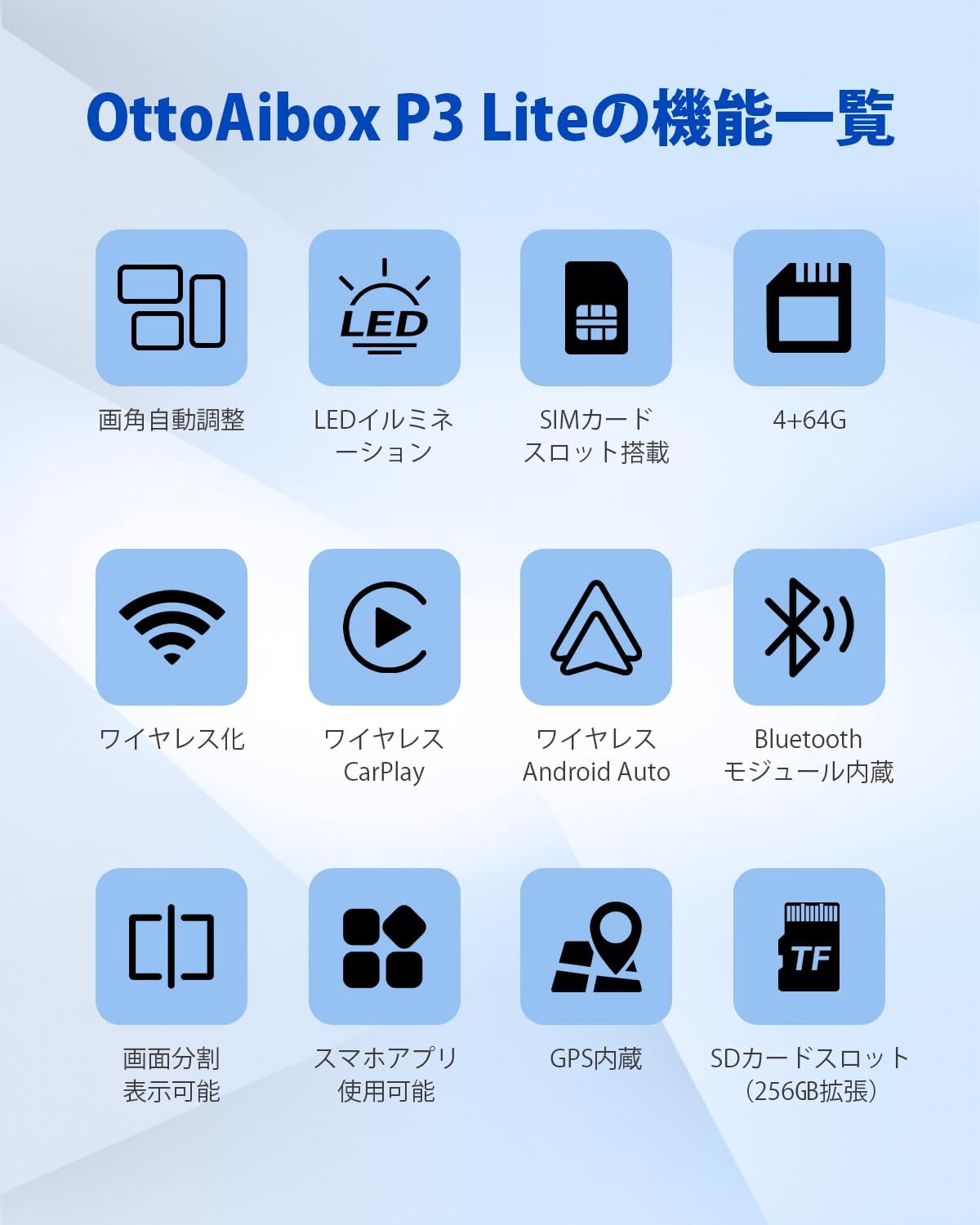
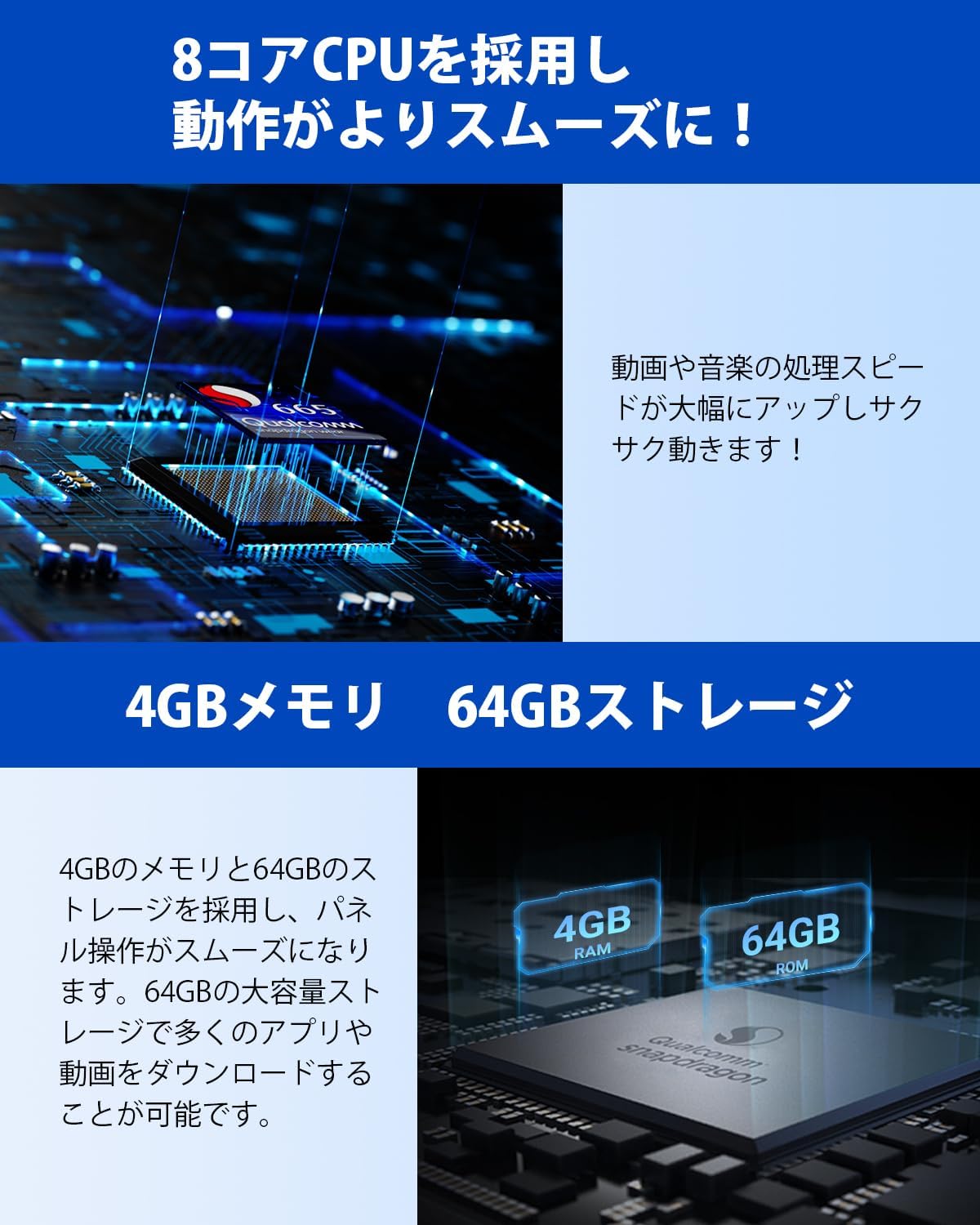
P3 Lite と人気の高い P3 との間には大きな違いが三つあります。まず一つ目は、メモリとストレージの容量の違いです。P3 は 8GB+128GB ですが、P3 Lite は 4GB+64GB となっています。二つ目は、P3 には HDMI 出力ポートがありますが、P3 Lite には HDMI 出力ポートがありません。三つ目は、価格の違いです。ご購入前に必ずご確認ください。間違って購入しないように気をつけてください。車内でユーチューブなどの動画を視聴
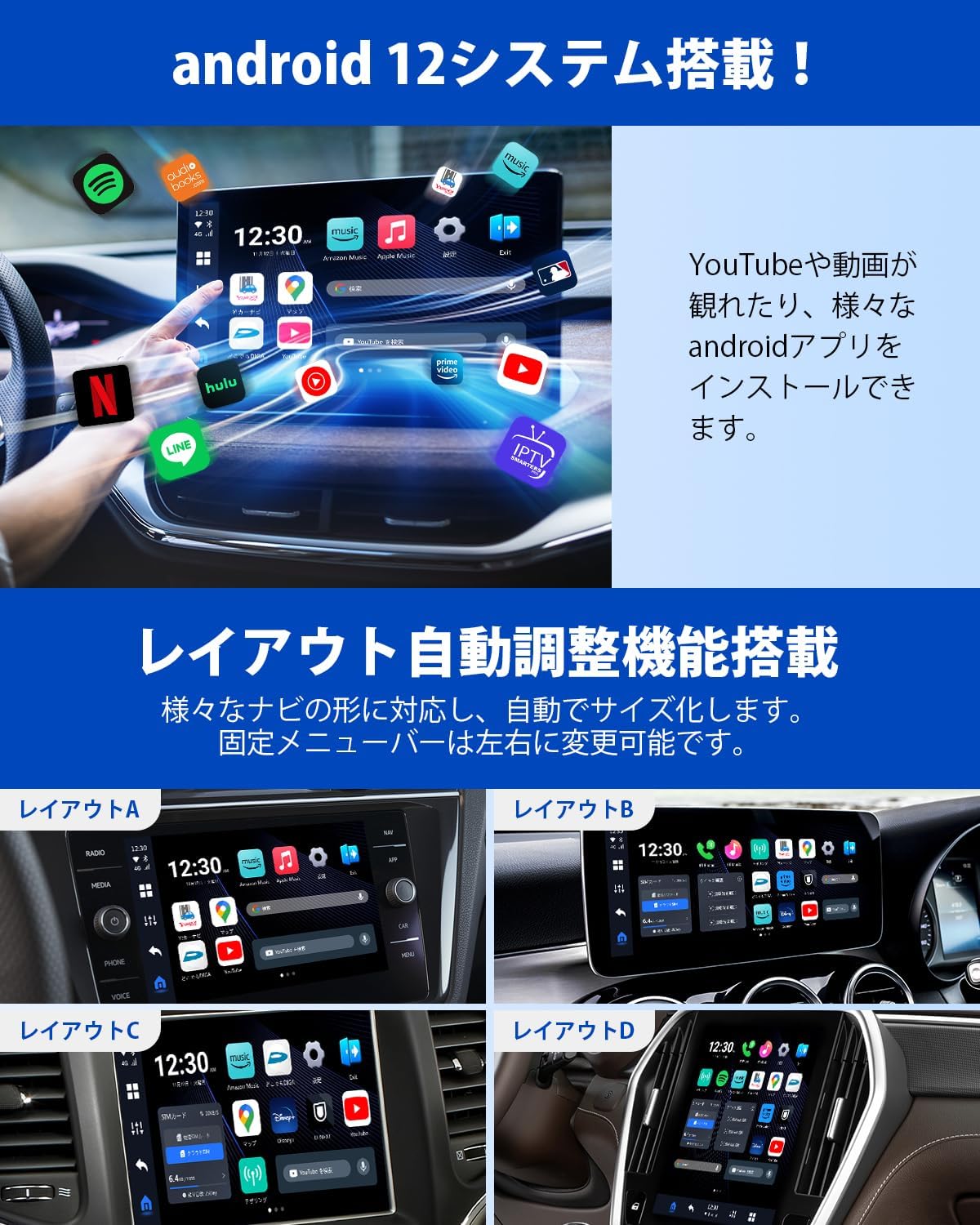
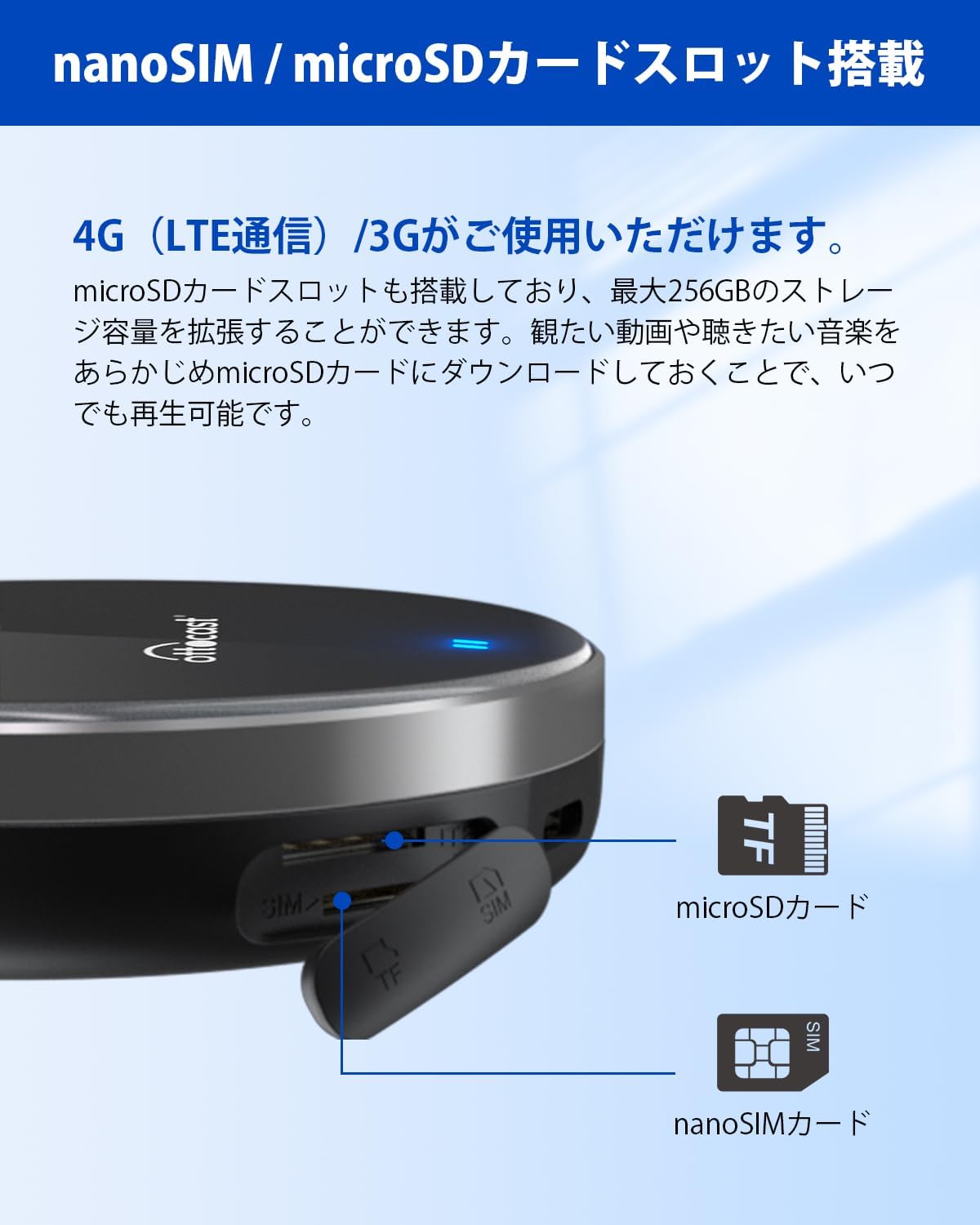
TVER、ABEMA、Disney+、ヤフーカーナビなど日本人気の高いアプリが初期搭載されており、別途ダウンロードする手間が不要です。また、プレイストアから好きな動画系アプリをダウンロードして視聴することも可能です。さらに、OttoAibox P3 Lite 本体には microSD カードのスロットが搭載されているため、microSD カードに入れた動画や音楽を視聴することもできます。そのため、自宅であらかじめ microSD カードに動画や音楽をダウンロードしておけば、通信料を気にすることなく車内で視聴することも可能です。工賃ゼロで簡単取り付け
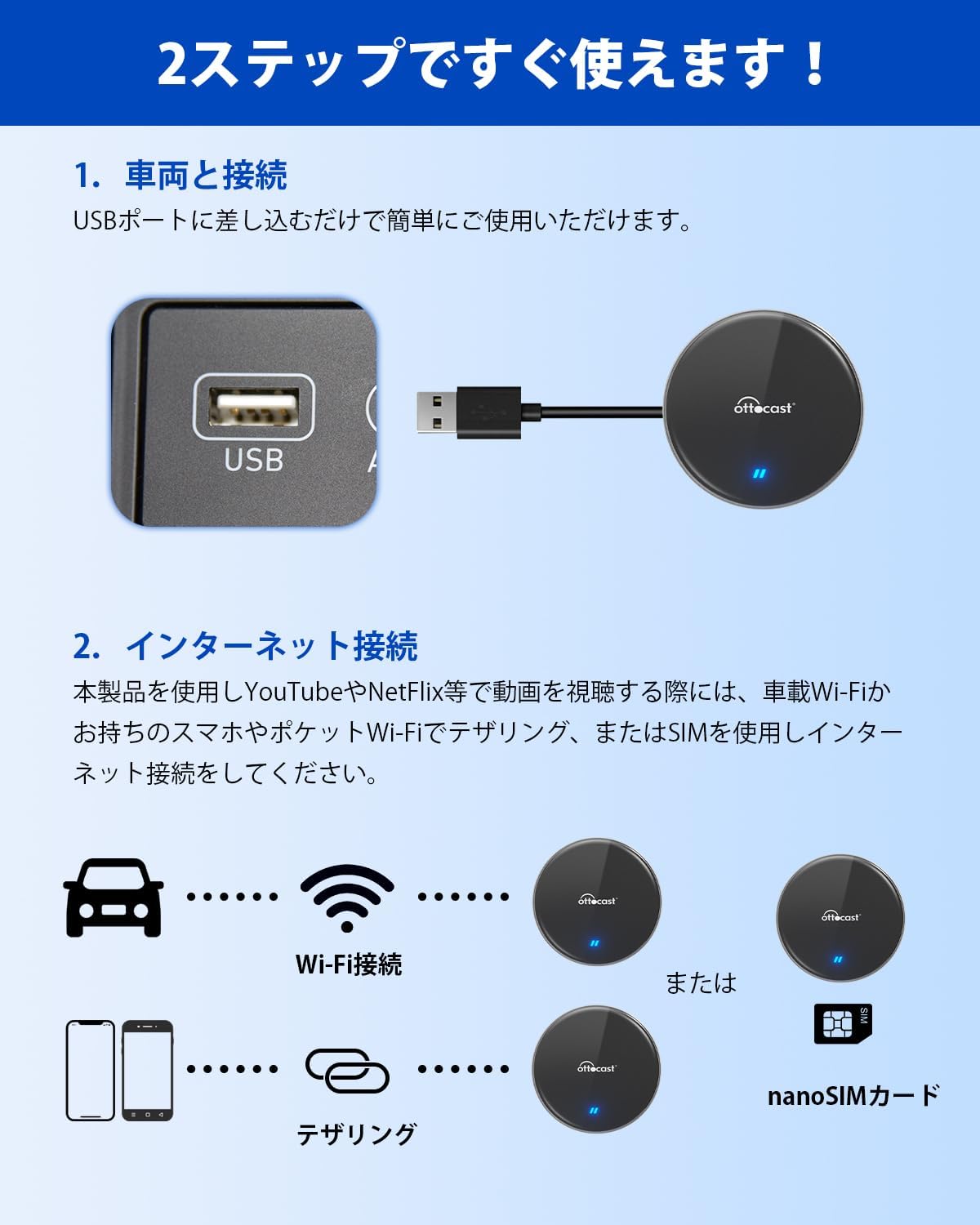
車両への取り付けはご自身で簡単に行うことができます。プロに施工を依頼する必要がないため、取り付け工賃が不要なのも特徴です。装着方法は、本カープレイ AI Box を車の CarPlay 対応の USB ポートに接続し、テザリング設定を行うか、nano SIM カードを挿入するだけです。インターネット接続方法
OttoAibox P3 Lite を使用して、ナビで YouTube、Netflix などの動画を視聴する際には、スマホのテザリングまたは nanoSIM カードを使用してインターネットに接続する必要があります。ご自身のニーズに合わせて通信接続手段を選択してください。また、格安 SIM の 3 社(docomo、au、SoftBank)の SIM カードは APN 設定不要であることを確認しました。SIM カードを挿入した後、約 15 秒で通信が開始されます。スタイリッシュで多機能
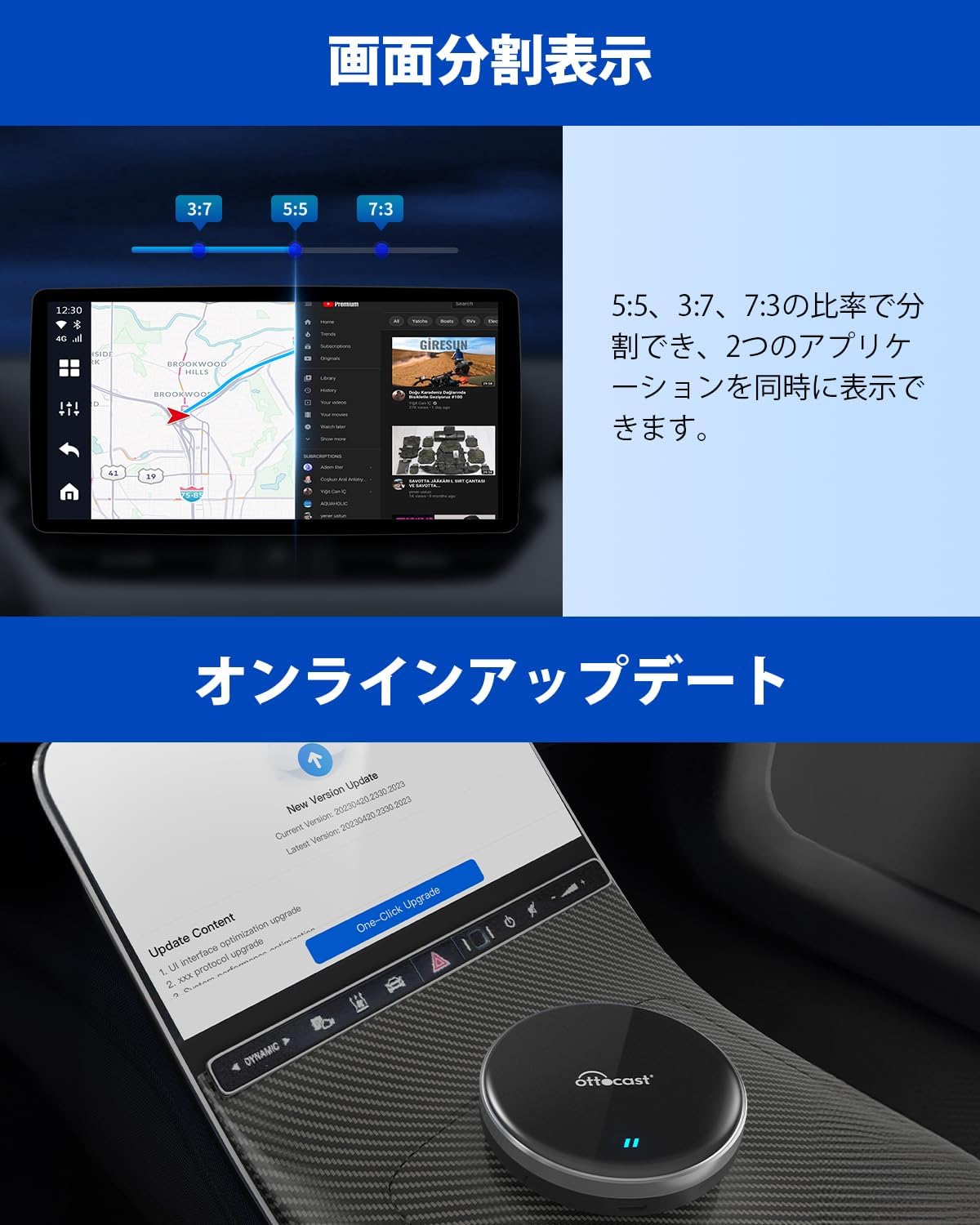
コントロールセンターで「今、どうなっている?」をお見せします。固定メニューバーを左または右に変更することも可能です。よく使うアプリなどをホーム画面に配置したり自由自在にカスタマイズできます。画面分割は 5:5、3:7、7:3 の比率を実現して、2つのアプリケーションを同時に表示できます。Ottocast P3 Lite
Ottocast OttoAibox P3 Lite
There are three main differences between the P3 Lite and the popular P3 model.
First, the memory and storage capacity are different. The P3 comes with 8GB RAM and 128GB storage, while the P3 Lite is equipped with 4GB RAM and 64GB storage.
Second, the P3 features an HDMI output port, whereas the P3 Lite does not include an HDMI output port.
Third, there is a difference in price. Please make sure to check these differences before purchasing to avoid buying the wrong model.
Watch YouTube and Other Videos in Your Car
Popular apps in Japan such as TVer, ABEMA, Disney+, and Yahoo Car Navigation come pre-installed, so there is no need to download them separately. You can also download and watch your favorite video apps from the Google Play Store. In addition, the OttoAibox P3 Lite is equipped with a microSD card slot, allowing you to play videos or music stored on a microSD card. By downloading videos or music onto a microSD card at home in advance, you can enjoy them in your car without worrying about mobile data usage.
Easy Installation with Zero Installation Cost
The device can be easily installed by yourself without professional assistance, meaning no installation fees are required. To set it up, simply connect this CarPlay AI Box to the vehicle’s CarPlay-compatible USB port, then enable smartphone tethering or insert a nano SIM card.
Internet Connection Methods
To watch videos such as YouTube or Netflix using the OttoAibox P3 Lite on your vehicle display, you need to connect to the internet using either your smartphone’s tethering function or a nano SIM card. Please choose the connection method that best suits your needs.
Additionally, SIM cards from the three major Japanese carriers (docomo, au, and SoftBank) have been confirmed to work without requiring APN settings. After inserting the SIM card, the connection will start automatically in about 15 seconds.
Stylish and Multifunctional
The control center allows you to easily check the current system status. You can also switch the fixed menu bar to the left or right side of the screen. Frequently used apps can be placed on the home screen and customized freely. The split-screen feature supports display ratios of 5:5, 3:7, and 7:3, allowing two applications to be displayed simultaneously.